FREE
Product Description
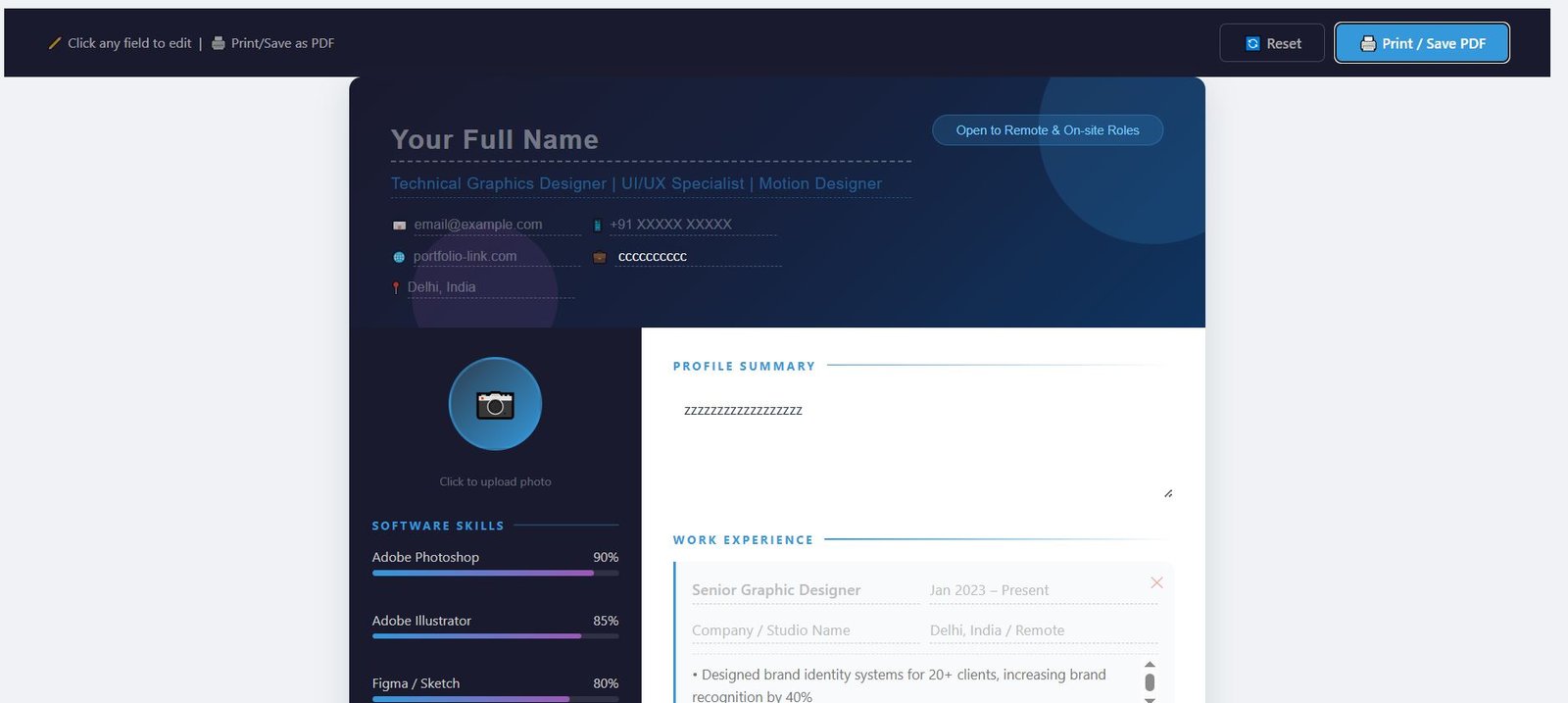
How to Use After Generation
Once the AI generates the fillable PDF template:
On Mobile (Adobe Reader App):
--Download Adobe Reader (free) from Play Store or App Store
--Open the generated PDF template
--Tap any blue-highlighted field to edit
--Fill in your details section by section
Save using Share → Save to Files (iOS) or Save (Android)
--On Desktop (Adobe Reader DC):
--Open in Adobe Reader (free) or Adobe Acrobat
--Click "Fill & Sign" in right panel
--All form fields will be highlighted
--Type directly into fields
Save as: YourName_CV_2026.pdf
Key Advantage: Unlike Word templates, this PDF preserves exact formatting across all devices — what you see on mobile is what recruiters see on desktop.
Product Details
Category
HTML Templates
Product Type
Other
License
Regular
Version
1.0
Date Added
Mar 11, 2026
Last Updated
Aug 26, 2026
Customer Reviews
No reviews yet
Be the first to share your experience with this product.